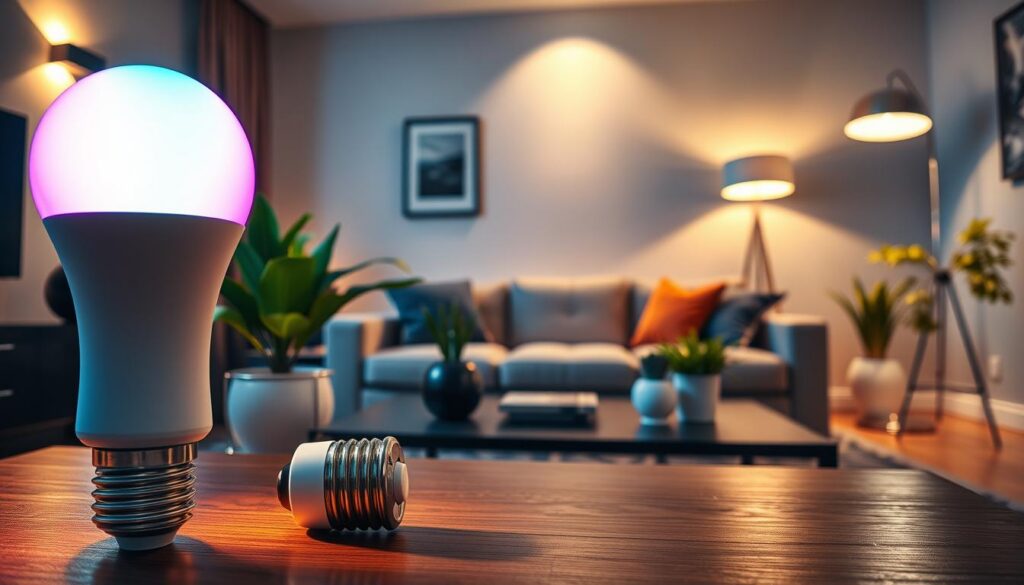
I remember buying my first automated lightbulb. I was excited to control my living room lights with my voice. But, when I tried to connect it to my hub, it didn’t work. I was left with a very expensive, manual light switch.
That day taught me a big lesson: compatibility must always come before style or fancy marketing. When you look for smart home devices online, it’s easy to get caught up in deals or cool designs. But, tech that doesn’t match can cause big problems in your daily life.
We aim to make your life easier by helping you choose products that work well together. We want you to shop with confidence, knowing your new items will fit right into your setup. Let’s explore how to check your tech before you buy.
Key Takeaways
- Always verify hub compatibility before purchasing new hardware.
- Prioritize functional integration over flashy feature lists.
- Check manufacturer websites for specific connectivity requirements.
- Read user reviews to spot common setup frustrations.
- Focus on building a reliable ecosystem rather than buying random gadgets.
Understanding Smart Home Devices
Let’s explore the gadgets that are changing our homes. A smart home device connects to your network to do tasks on its own or by your command.
These tools help simplify your daily life. Our goal is to find tech that makes your life easier, not harder.
What Are Smart Home Devices?
Think of these devices as assistants in your home. They use the internet to get instructions and share updates.
Setting them up is easy. Most devices are made for people who just want things to work. They let you control your home from anywhere.
Benefits of Smart Home Technology
This technology saves you time. When your home takes care of the little things, you have more time for what matters.
Here are some ways it improves your life:
- Convenience: Control your lights or locks without leaving the couch.
- Energy Management: Save money by letting your thermostat adjust to your schedule.
- Peace of Mind: Keep an eye on your home while you’re away.
These benefits are about making your life easier, not just more luxurious. We think technology should make your home life smoother and more efficient.
Common Types of Smart Devices
The market offers many options, but most use standard connections. Many popular WiFi devices are key to a modern home, letting gadgets communicate easily.
From smart plugs to video doorbells, the choices are vast. These WiFi devices are great for beginners because they connect to your router.
Choosing the right tools helps you build a system that grows with you. We’re here to help you pick the best gear for an easier life.
Why Compatibility Matters
Ever spent hours trying to get two gadgets to talk? That’s why compatibility is key in a smart home. A good smart home buying guide saves you from the hassle of gadgets that won’t work together. When devices can communicate, your home becomes a single, working system.
Simplifying Integration
The aim of smart tech is to make life easier, not harder. Choosing products with common standards lets you control everything from one app. This seamless experience is what we aim for with our tech picks.
- Unified Control: Manage lights, locks, and thermostats in one place.
- Reduced Clutter: No more juggling five apps to turn off the lights.
- Better Automation: Set up routines where devices trigger each other automatically.
Avoiding Technical Headaches
Nothing kills the buzz of a new gadget like it not connecting. Reliable connections are crucial for a stable home. Make sure your devices have broad software support to stay connected even after updates.
Stick to well-known ecosystems for interoperability. This avoids the trouble of connection issues or firmware incompatibility. Choose quality products that work together seamlessly from the start.
Future-Proofing Your Setup
A smart home is a long-term investment. A smart home buying guide helps you plan for future upgrades without starting over. Pick devices that support modern protocols to stay useful as your needs change.
“The best technology is the kind that works so well you forget it is even there, quietly making your life better every single day.”
Focus on long-term compatibility to save money and your sanity. We’re here to help you build a smart home that stays flexible and efficient for years.
Types of Compatibility to Consider
Building a smart home is like putting together a team. Everyone needs to speak the same language. To avoid frustration, you must understand how devices communicate. We’ll guide you through these details for a seamless experience.
Device Communication Protocols
Smart homes rely on signals for devices to talk to each other. Many WiFi devices connect to your router easily. But, others use Bluetooth, Zigbee, or Z-Wave to save energy and reduce network clutter.
WiFi devices are convenient but can slow your internet if too many are connected. Zigbee and Z-Wave create a mesh network for better communication. Choose based on your future device needs.
Ecosystem Compatibility
Devices must also work with your central control system. Most people choose a primary ecosystem like Amazon Alexa, Google Home, or Apple HomeKit. Always check compatibility before buying.
Consistency is key for automating your life. Using one ecosystem simplifies your life and keeps your home running smoothly.
Power Source Requirements
Don’t overlook how devices get their energy. Some are hardwired, while others run on batteries. This choice affects placement and maintenance.
Battery-powered devices need battery swaps. Planning ahead avoids dead sensors. Check power specs to fit your lifestyle.
| Connection Type | Best For | Power Usage | Setup Difficulty |
|---|---|---|---|
| WiFi | High-speed data | High | Easy |
| Bluetooth | Short-range control | Low | Very Easy |
| Zigbee/Z-Wave | Large smart homes | Very Low | Moderate |
Leading Smart Home Ecosystems
Your smart home’s power comes from its ecosystem. Think of it as your home’s brain, linking everything from your thermostat to your smart lighting. Picking the right one early saves you from future troubles and keeps your day running smoothly.
Amazon Alexa Compatibility
Alexa is a top pick for beginners because it works with many devices. It’s great for those on a budget. You can find affordable bulbs and plugs with the “Works with Alexa” label for easy setup.
Google Home Integration
Google Home is best if you use Google for your calendar and email. It uses AI to understand you, making it feel like talking to a person. Many like it for smart lighting because its app is clean and fast.
Apple HomeKit Support
If you’re all in with Apple, HomeKit is top for privacy and security. It keeps your data safe, giving peace of mind. Though it has fewer compatible devices, it integrates well with your iPhone or iPad.
| Feature | Amazon Alexa | Google Home | Apple HomeKit |
|---|---|---|---|
| Best For | Broad Compatibility | AI & Search | Privacy & Security |
| Smart Lighting | Excellent Range | Great Automation | High Reliability |
| Primary Hub | Echo Devices | Nest/Google Nest | HomePod/Apple TV |
Always check the packaging for the platform badge before buying. Whether it’s Alexa, Google, or Apple, sticking to one makes managing your smart lighting and devices easier. Consistency is key to a helpful home.
Key Features to Look For
Your home should make life easier, not harder. When setting up your connected space, ignore the fancy ads. Look for the essential features that make your home truly useful.
The best devices are those that work quietly in the background. They should save you time and effort, not make you juggle apps all day.
Voice Control Capabilities
Voice commands are a big win for convenience. Whether you’re cooking or carrying groceries, controlling your home with voice is a game-changer. Choose devices that work well with major voice assistants for quick and accurate responses.
“The ultimate goal of technology is to make life simpler, not more complicated. If you have to spend ten minutes troubleshooting a lightbulb, it isn’t smart—it’s just a chore.”
Mobile App Functionality
A good app should be your go-to, not a hassle. It should have a clean design, offer useful notifications, and quick access to settings. If an app is hard to use or takes too many taps, keep looking.
The best apps are easy to use and offer clear updates. They should make managing your home simple. Aim to spend less time on your screen and more time enjoying your space.
Inter-device Communication
True automation happens when devices talk to each other on their own. Smart plugs are great for this. They let you control devices with a simple tap, but the real magic is in automated routines.
When checking how devices communicate, look for these key features:
- Trigger-based actions: Devices that react to sensors, like lights turning on when you enter a room.
- Cross-platform compatibility: Ensuring your hardware plays nice with your existing hub.
- Reliable connectivity: Stable signals that prevent your automated routines from failing.
By focusing on these features, you’ll keep your home comfortable. Choose devices that work well together and enjoy the peace of mind that comes with a well-connected home.
Popular Smart Home Devices
Adding a few gadgets can change your daily life fast. We think tech should make your life easier, not harder. With the right tools, your home can feel smart, responsive, and really helpful.
Smart plugs are great for beginners. They let you control lights, coffee makers, or fans without changing your old stuff. They’re an easy way to add smartness to your home.
Smart Speakers
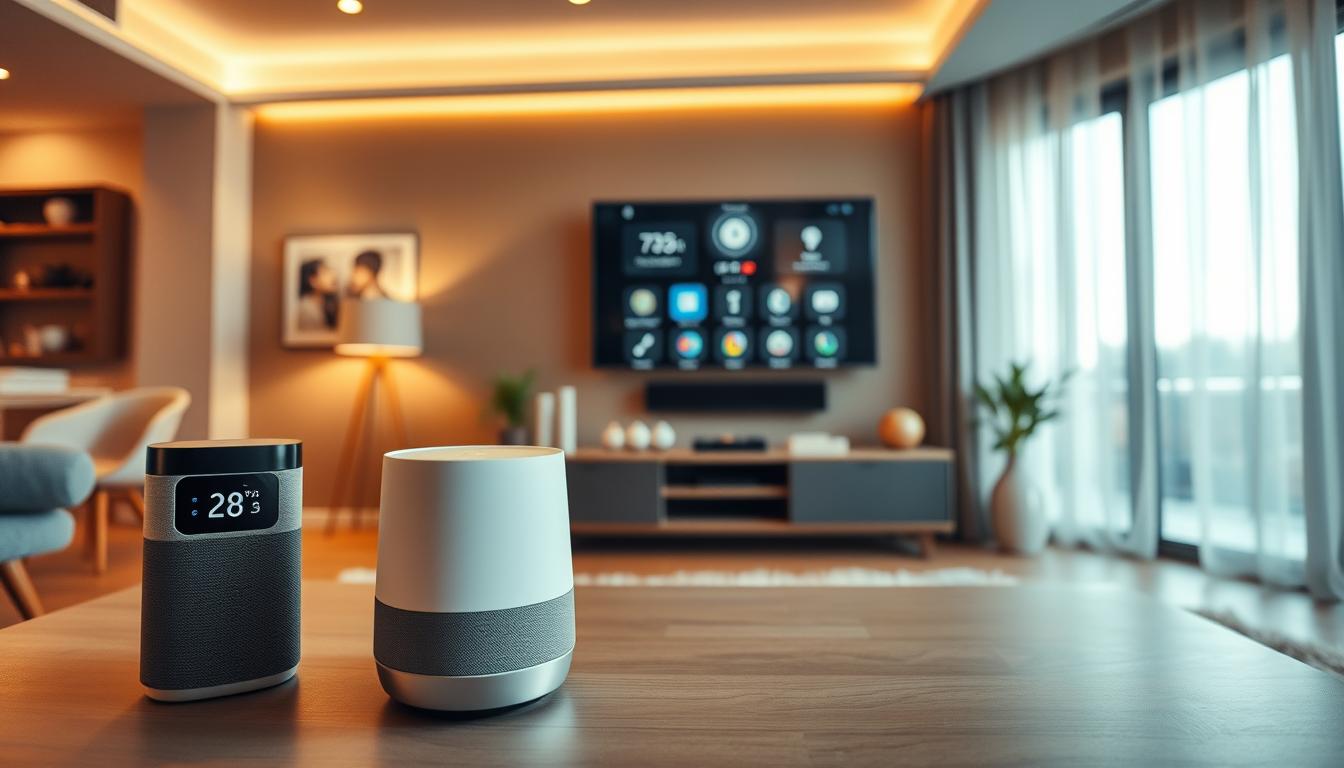
Smart speakers are like the brain of your home. They understand your voice to manage your day, set reminders, or play music. They connect to other gadgets, making control easy with just your voice.
Smart Thermostats
Controlling your home’s temperature is now simple and smart. Smart thermostats learn your habits and adjust the temperature for you. Enjoy coming home to the perfect temperature without touching a thing.
Security Cameras
Watching over your home gives you peace of mind. Modern cameras show clear video and send alerts to your phone. Check on your home anytime, no matter where you are.
- Smart plugs give instant control over “dumb” devices.
- Smart speakers centralize your voice commands.
- Smart thermostats optimize your energy usage.
- Security cameras offer 24/7 monitoring for your safety.
Integrating these devices makes your home work smoothly for you. The best smart home setup solves your problems and makes life effortless.
How to Check Compatibility
Before you buy, make sure your new gadget works with what you already have. Shopping for smart home devices online can be tough. But, a bit of research can save you from trouble later.
We want you to make smart choices. By following a simple process, you can avoid tech problems. This way, you can create a system that fits your life perfectly.
Manufacturer Websites
The best place to find the truth is the manufacturer’s official website. Don’t just trust a generic “works with” label. Look for the technical specifications or support section on the product page.
Check the manual or the compatibility list on the brand’s website. This will show you which hubs, apps, or voice assistants are supported. If the info is missing or unclear, it’s a sign to look elsewhere.
Online Compatibility Checkers
Many big brands have online tools to check if a product fits your setup. These tools are great for quickly finding out if a device will work with what you have.
When you shop for smart home devices online, look for these tools on major smart home platforms’ websites. They let you input your current devices and see if the new one will work with them.
User Reviews and Forums
People who have already used the device can give the best advice. User reviews and forums are full of tips on hidden compatibility issues that the maker might not mention.
If many users talk about connection problems or setup failures, pay attention. Real feedback is often more accurate than marketing. By doing your research first, you’ll buy products that make your life easier, not harder.
Tips for First-Time Buyers
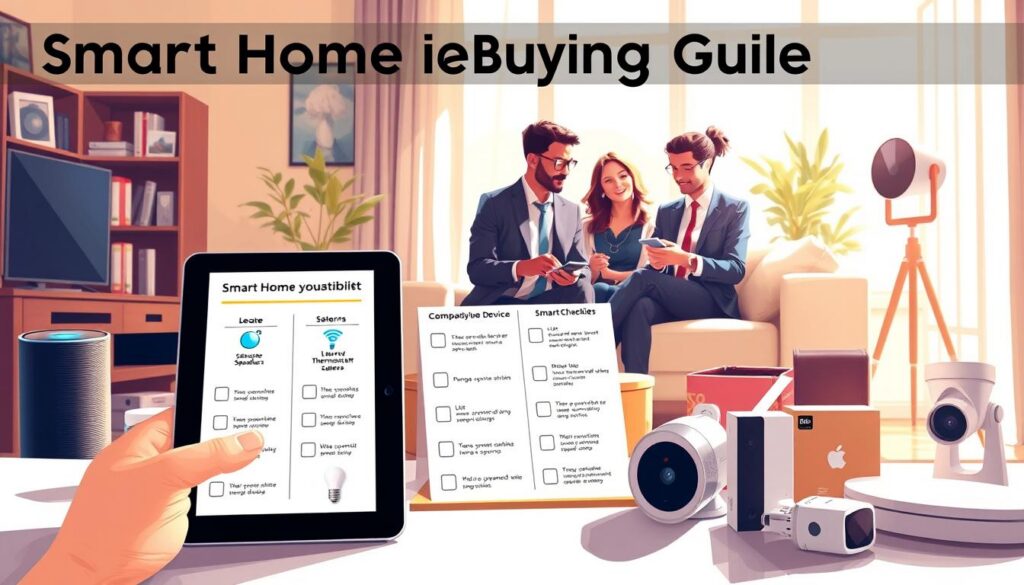
If you’re ready to upgrade your home, this smart home buying guide will help you avoid overspending. It’s easy to get excited about voice-controlled lights and automated locks. But, taking a careful approach saves you time and money.
Set a Budget
Before buying, look beyond the initial cost of a device. Consider total ownership costs, including monthly fees for cloud storage or premium apps.
Some devices need a bridge or hub to work, adding to the cost. Setting a budget early keeps your project enjoyable, not a financial stress.
Prioritize Your Needs
Beginners often buy too many devices at once. Focus on solving one problem, like improving security or automating your morning.
“The secret to a truly smart home is not the number of devices you own, but how well they work together to simplify your daily life.”
Start with one useful routine, like having your coffee maker turn on with your alarm. Once you master that, you can add more devices that really add value.
Start with a Central Hub
A central hub is the brain of your smart home, making different brands work together. Choosing a reliable hub is key to any smart home buying guide. It prevents the hassle of managing many apps.
Here’s a comparison to help you decide how to start:
| Feature | Entry-Level Setup | Advanced Setup |
|---|---|---|
| Device Count | 1-3 Devices | 10+ Devices |
| Hub Requirement | None (Wi-Fi based) | Dedicated Smart Hub |
| Installation Time | Under 30 Minutes | Several Hours |
| Maintenance | Low | Moderate |
Remember, simplicity is your best friend when starting. Take your time, research well, and build a home that truly works for you.
Enhancing User Experience
We think your home should fit your life, not the other way around. With the right tech, you can make your gadgets work together. This makes your home more energy-efficient and comfortable. Customization is key to a smart home.
Customization Options
Customization lets you make your home fit your schedule and likes. You can set scenes that do many things at once. For example, a “Movie Night” scene can dim lights and lock doors with just a voice command.
You can also set up preferences for different times or people. This makes your home feel like it knows your family’s rhythm. It’s very personal and makes your home feel smart.
Automation and Scheduling
Automation makes your life easier by doing small tasks for you. Smart plugs can turn regular appliances into helpers. Here are some ways to make your day easier:
- Morning Routine: Start your coffee maker and brighten your bedroom lights automatically.
- Energy-Conscious Habits: Turn off devices when you leave to save energy.
- Bedtime Scenes: Set your lamps and thermostat to adjust when you go to bed.
Smart lighting and schedules make your home work for you. You won’t have to worry about things like leaving the iron on.
Remote Access Features
Sometimes, you need to manage your home from afar. Remote access features give you peace of mind. You can check your smart plugs or adjust settings with a mobile app.
Forgot to turn off the living room lamp? A quick tap on your phone fixes it. This seamless control keeps your home comfortable and efficient, even when you’re away.
Installation and Setup Guides
We want to make adding technology to your home easy and fun. Our goal is to give you top-notch products that make your life better. By following a simple plan, you can get your WiFi devices ready to go when you need them.
DIY Installation Tips
Most smart home devices are easy to set up. First, download the app from the maker and create an account. Make sure to give the app permissions it needs for cool features like location-based automation.
When setting up your WiFi devices, pick the right network frequency. Usually, 2.4GHz works best for range and getting through walls. After connecting, update your firmware to keep your devices secure and running smoothly.
“The secret to a stress-free smart home is proper placement; keep your hub central and away from thick walls or large metal objects that might block the signal.”
Professional Installation Services
Life can get busy, or your home might be too complex for DIY. For big setups like security systems or wired lighting, get a pro. They can handle the tricky parts and make sure your network is reliable.
Think about getting a pro if you’re feeling overwhelmed. They can save you time and make sure everything works together perfectly. It’s all about keeping your life simple and stress-free.
Troubleshooting Common Issues
Even the best tech can have problems sometimes. If your WiFi devices aren’t working, check your signal strength first. A weak signal can cause smart bulbs to not turn on or cameras to lag.
If you still have issues, try this quick checklist:
- Double-check your password: A small mistake can stop you from connecting.
- Update your software: Old apps or firmware can cause problems.
- Review network settings: Make sure your router isn’t blocking new devices.
- Power cycle: Sometimes, unplugging and restarting can fix the problem.
By being patient and methodical, you can usually fix most problems quickly. We want your home to be a place of comfort, not a source of stress.
Where to Buy Smart Home Devices Online
Looking for smart home devices online can be a challenge. There are many places to shop, making it hard to choose. I want to guide you to find the best deals for your home.
Leading Retailers
Big names like Amazon, Best Buy, and Home Depot are popular choices. They have lots of products and fast shipping. But, always check the seller’s reputation if buying from someone else.
Before buying, look at the return policy and warranty. Make sure you get all the needed accessories. Avoiding extra items saves money and keeps things simple.
“The best technology is the kind that works so well you forget it is even there, making your home feel more like a sanctuary and less like a laboratory.”
Manufacturer Websites
Buying from the brand can be the best choice. Official sites offer exclusive bundles and great customer support. This is great for specific questions or complex setups.
Direct stores give you the latest products and reliable support. You might pay a bit more, but it’s worth it for warranty claims and authentic parts. It protects your investment from the start.
Price Comparison Tools
Use price comparison tools to find deals. Services like Google Shopping help you track prices. This way, you avoid paying too much during demand spikes.
| Shopping Channel | Best For | Key Advantage |
|---|---|---|
| Major Retailers | Speed & Variety | Fast shipping & easy returns |
| Manufacturer Sites | Authenticity & Support | Latest versions & direct warranty |
| Comparison Tools | Budget Optimization | Price history & best deals |
By comparing these options, you can find quality products that fit your needs. The goal is to improve your life without extra stress or cost. Take your time, research well, and enjoy making your home smarter and more efficient.
Elevate Your Lifestyle with Smart Home Devices
Building a modern home is more than just buying gadgets. It’s about creating a space that works for you. When you choose devices that talk to each other, you gain control over your environment.
Convenience and Efficiency
Smart lighting lets you set the perfect mood with a simple voice command or a tap on your phone. These systems make your daily routines easier by automating tasks. You spend less time managing your house and more time enjoying it.
Energy Savings
Smart technology helps you monitor your power usage in real time. Smart thermostats and plugs turn off systems when you leave a room. This saves you money and reduces your carbon footprint.
Safety and Security Enhancements
Knowing your home is protected gives you peace of mind. Connected cameras and sensors send alerts to your smartphone. We aim to simplify your life and enhance your daily experiences.
Focus on reliable ecosystems and clear goals, not every new trend. Your home should be a place of comfort and simplicity. Start small, choose quality, and watch your living space become a helpful partner.