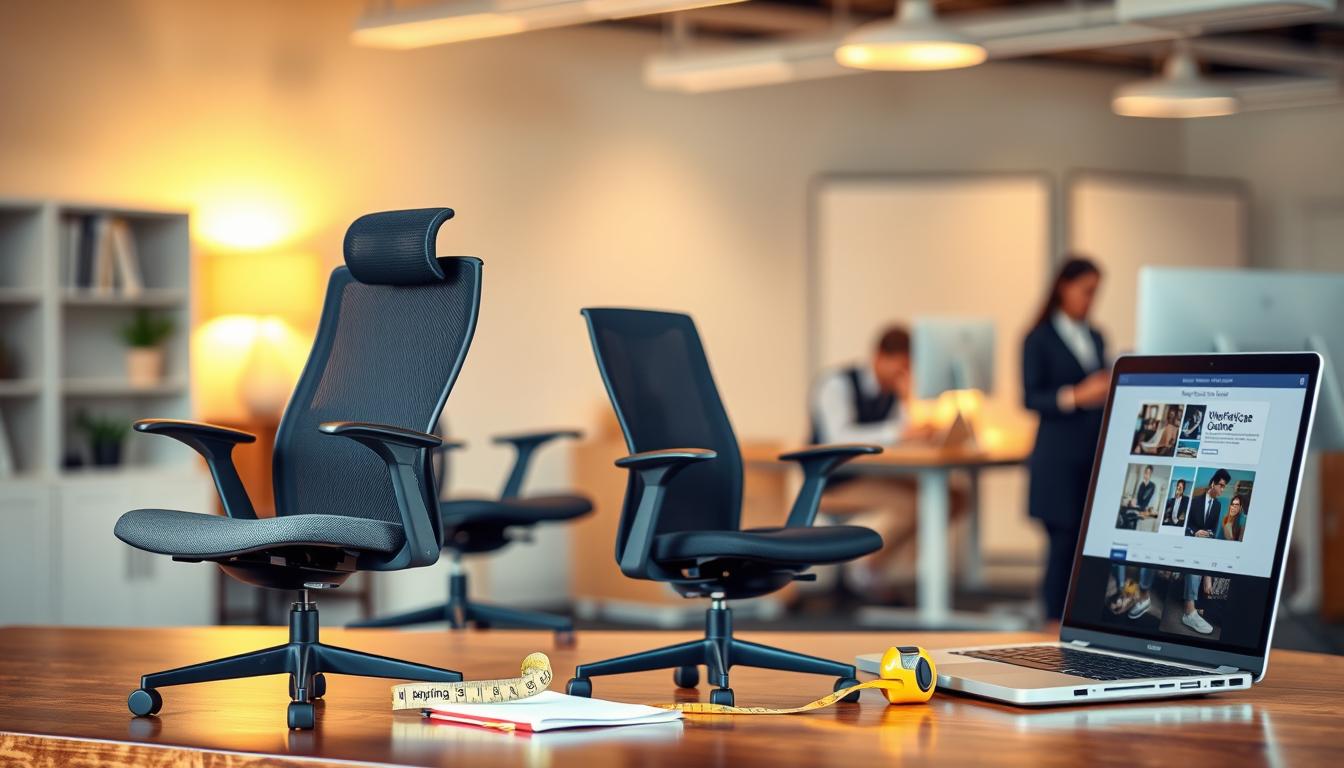
We have all been there. After an eight-hour shift, your back may feel like it survived a wrestling match. Your workspace should support your ambitions, not hinder your health. We help you find the right seat for your daily work and make life simpler.
This office chair buying guide offers a clear path to comfort and durability. It helps you choose features that turn your desk into a productive, comfortable space. Whether you update a home setup or a professional space, focus on details that matter.
When you buy office chair online, many choices can feel overwhelming. We compare key features, prices, and customer feedback to simplify your search. Our goal is to help you feel confident about your investment in a high-quality product built to last.
Key Takeaways
- Prioritize ergonomic support to prevent long-term physical strain during work hours.
- Evaluate material quality and durability before finalizing your purchase.
- Check customer reviews to understand real-world performance and comfort levels.
- Measure your workspace dimensions to ensure the furniture fits your environment perfectly.
- Consider adjustable features like lumbar support and armrests for a customized experience.
Understanding the Importance of a Quality Office Chair
A chair may seem like a simple seat, but your body feels the difference between support and strain. When a seat does not fit, you focus on your aching back instead of your work. Our mission is to help you live your best life, starting with the tools you use each day.
This office chair buying guide helps you move beyond cheap, generic furniture. Investing in your workspace is not only about luxury; it creates a place where you can thrive.
Why Comfort Matters
Poor seating causes stiffness and distraction that can ruin your workflow. Without proper padding or support, you shift your weight often to find relief. These small movements pull your brain away from work and make deep focus difficult.
“Ergonomics is the science of fitting the workplace to the user, rather than forcing the user to fit the workplace.”
The Impact on Productivity
Productivity means working without needless interruptions, not simply working harder. With an ergonomic chair, you need fewer adjustment breaks. You can stay seated longer because your body feels supported, not restricted.
Treat your chair as a productivity tool. When you feel comfortable, your energy stays steady throughout the afternoon. You spend less time stretching and more time finishing projects.
| Feature | Standard Chair | Ergonomic Chair |
|---|---|---|
| Lumbar Support | Minimal or None | Adjustable & Targeted |
| Adjustment Options | Height Only | Full Tilt, Arm, & Depth |
| Focus Level | Distracted by Pain | High Concentration |
Health Benefits of Proper Seating
Proper seating does more than stop aches; it supports your long-term health. An ergonomic chair promotes a natural position, aligns your spine, and reduces hip pressure. This alignment helps prevent the chronic stiffness that often troubles desk workers.
We want to make your daily experience easier and more sustainable. Choosing the right chair is a simple step toward better posture and less fatigue. Your body will thank you for the upgrade.
Key Features to Look for in an Office Chair
Let’s skip the marketing fluff and focus on what makes a chair worth your money. Many seats look great in photos but lack support for a full workday. We want to help you find an ergonomic chair that supports your daily routine.
Ergonomics and Adjustability
Comfort depends on how well a chair fits your unique body shape. Look for a seat with adjustable height so your feet stay flat and your knees form a ninety-degree angle.
A high-quality ergonomic chair must offer adjustable lumbar support to protect your lower back. Check the armrests and tilt tension to shift your weight and reduce strain during long sessions.
Material and Durability
Your material choice affects comfort and the chair’s lifespan. Mesh works well if you get warm because it allows airflow throughout the day.
Fabric feels softer and cozier, but it can be harder to clean than synthetic leather. Synthetic upholstery wipes clean easily, making it smart for busy home offices where spills may happen.
Wheel Mobility and Base Stability
A chair is only as strong as its foundation. Choose a chair with a sturdy five-point base to prevent tipping and support safe movement.
Test the casters to ensure they glide smoothly across your floor. If the wheels feel stuck or shaky, it signals poor construction that may cause frustration later. A solid base helps your ergonomic chair remain reliable for years.
Types of Office Chairs and Their Uses

Your chair is the most important piece of home office furniture you will buy. Flashy designs and fancy features can distract you, but your daily work should guide your choice. Match the chair to your work habits to stay comfortable and productive.
Executive Chairs for Management
Executive chairs are often the office world’s heavyweights. They usually have plush cushioning and a large profile that draws attention. However, a dramatic headrest does not always provide better spinal support.
Task Chairs for General Use
Task chairs offer a flexible choice for everyday work. They let you move between your computer, phone, and files with ease. They are workhorses of home office furniture, favoring simple adjustments over bulky padding.
Gaming Chairs for Extended Hours
Gaming chairs often use a sporty, bucket-seat design inspired by racing cars. They support long, intense sessions, so many people choose them for hours at a desk. Check the build quality, because some favor style over ergonomic function.
“The best chair is not the one that looks the most expensive, but the one that disappears beneath you, leaving you free to focus entirely on your work.”
| Chair Type | Best For | Key Feature |
|---|---|---|
| Executive | Formal offices | High-back cushioning |
| Task | General desk work | High mobility |
| Gaming | Extended sessions | Sporty support |
Ultimately, the right home office furniture depends on your desk time, room size, and posture needs. Do not let appearance make the decision for you. Judge the chair by how it feels after two hours of sitting, not how it looks in a catalog.
Assessing Your Workspace Needs
Your office chair works best when it fits the space around it. Before buying new home office furniture, inspect your room carefully. A beautiful chair that does not fit your desk or floor can cause frustration instead of comfort.
Desk Height and Chair Compatibility
Your desk and chair form the base of good posture. Keep your feet flat on the floor and your elbows near the desktop. A chair set too high makes you hunch; one set too low strains your shoulders.
Measure from the floor to the underside of your desk. Make sure the chair’s seat height adjusts enough to keep your thighs parallel to the floor. Also, check whether the armrests slide under the desk, a common problem for many buyers.
“Design is not just what it looks like and feels like. Design is how it works.” — Steve Jobs
Space Limitations
A massive executive chair may look appealing, but consider your available space. In a compact room or shared area, a bulky chair can feel cramped and unusable. Measure your workspace width so you can swivel and move freely.
Consider the base’s footprint, too. If you have a rug or small office nook, make sure the casters avoid walls, cabinets, and door frames. A chair that bumps your furniture can damage your walls and your mood.
Aesthetic Considerations
Function matters most, but your home office furniture should still look good. Do not choose a chair only for its color or material; balance style with your needs. A sleek leather chair may look professional, but poor support makes it a bad investment.
Match the materials and colors with your existing setup for a cohesive look. However, never place style above physical comfort. A chair that fits your body well looks better than one that leaves you with a sore back.
Testing Comfort Before You Buy
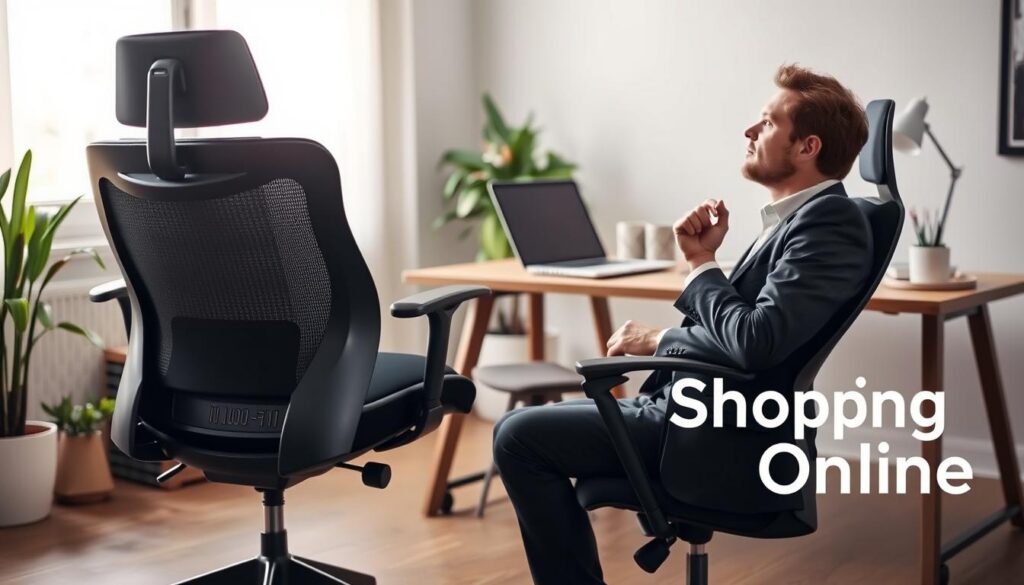
Buying a chair without testing it is like buying shoes without walking in them. You may love its look, but a poor fit can make you regret it by lunch. Test your choice carefully so you can feel comfortable all day.
Whether you visit a local showroom or use online specs, these desk chair tips can prevent costly mistakes. Do not perch on the edge for only a few seconds. Settle in and watch how the chair responds to your natural movements.
The Sit Test: What to Look For
When you sit down, stay there for at least five to ten minutes. Adjust the height, tilt, and armrests to see whether the chair fits your frame. An ergonomic chair should feel like a natural part of your body, not a rigid cage.
Pay attention to these areas during your test:
- Feet placement: Can you keep your feet flat on the floor while your knees are at a 90-degree angle?
- Edge pressure: Ensure there is a small gap between the back of your knees and the seat edge to prevent circulation issues.
- Armrest comfort: Your shoulders should remain relaxed, not hunched, when your arms rest on the supports.
Understanding Lumbar Support
The lower back is where many people feel strain during a long workday. A good chair gives firm, steady support that follows your spine’s natural curve. You should never feel forced into a stiff, unnatural posture.
If the support feels too strong or too flat, keep looking. The best ergonomic chair designs let you adjust the lumbar piece’s depth or height. This places pressure exactly where your back needs it most.
Evaluating Seat Depth and Width
Many shoppers overlook seat dimensions. If the seat is too wide, you may lean sideways to reach your desk. If it is too deep, you may slouch forward to place your feet on the ground.
Always compare the manufacturer’s measurements with your body size. Leave enough room to shift your weight without feeling like you might slide off the edge. The goal is support, not restriction, during your daily tasks.
Online vs. In-Store Purchases
https://www.youtube.com/watch?v=y0MIBe0LTUg
Choosing the right seat for your workspace means weighing home shopping’s ease against a store visit’s hands-on benefits. Although you may want to buy office chair online for convenience, consider the trade-offs before placing your order.
Pros and Cons of Shopping Online
When you buy office chair online, you can browse far more models than local shops offer. You can compare hundreds of models, view user photos, and check exact dimensions from your desk. However, you cannot feel the cushion density or test lumbar support before delivery.
Shipping can also cause problems. Allow for possible delivery damage and likely chair assembly. Check the weight capacity and material quality in product descriptions to avoid surprises.
Finding Trusted Brands
To feel confident when you buy office chair online, choose reputable manufacturers. Look for clear specifications about materials and adjustment ranges. Responsive customer support often signals a reliable product.
Do not rely only on star ratings. Read written reviews for comments about long-term comfort and part problems. If a brand hides its manufacturing process or contact information, look elsewhere.
Evaluating Return Policies
Before committing, read the return policy’s fine print. A generous return window matters, especially when you cannot test the chair first. Check whether the company charges a restocking fee or return shipping costs.
Most retailers require the chair in its original packaging for a full refund. Verify whether the warranty covers parts such as the gas lift or base. These details protect you if the chair does not meet your expectations.
| Feature | Online Shopping | In-Store Shopping |
|---|---|---|
| Physical Testing | Not possible | Highly recommended |
| Selection | Extensive variety | Limited to floor stock |
| Assembly | Required by user | Often pre-assembled |
| Return Process | Shipping required | Easy drop-off |
Budgeting for Your Office Chair
Let’s discuss how to spend wisely when upgrading your home office furniture. A comfortable workspace does not require a huge investment, but it does require planning. This office chair buying guide helps you avoid common mistakes and find the support you need.
Understanding Price Ranges
Entry-level chairs often cost under $150, but they may not last through daily, eight-hour use. Mid-range chairs, typically priced between $200 and $500, offer most remote workers the best value. They often include adjustable lumbar support and stronger materials.
High-end chairs can exceed $1,000. They may last for decades, but casual users may never use their complex features. Focus on what you will actually use rather than paying for bells and whistles.
Balancing Quality and Cost
The cheapest online option can seem tempting. However, a chair that breaks after six months costs more than a quality chair lasting years. Durability is the ultimate money-saver for daily seating.
Treat your chair as an investment in your health. If you spend most of your day at a desk, choose ergonomic features over decorative extras. A sturdy, adjustable chair beats a stylish one that leaves your back aching.
Smart Shopping Tips
Calculate the total delivered cost before clicking “buy.” A lower sticker price may hide high shipping fees or handling charges. Check seasonal sales because many retailers offer deep discounts during holiday weekends.
Consider certified open-box products from reputable retailers. They often have minor cosmetic issues after returns and can save significant money. Finally, beware of vague claims promising “perfect posture” without explaining how the chair achieves it.
Maintenance Tips for Longevity
You do not need to be a professional mechanic to extend your favorite chair’s life. Simple desk chair tips can keep it feeling new for years. Regular care protects your investment and supports daily comfort.
Cleaning Your Chair
First, check the manufacturer’s guide for material-specific instructions. Vacuum mesh or fabric upholstery weekly to remove dust and crumbs that can wear down fibers. Always avoid harsh chemical cleaners, which can strip finishes or damage delicate fabrics.
For hard surfaces, use a damp cloth with mild soap. Cleaning your chair improves its appearance and keeps debris from grinding into its moving parts.
Adjustments and Repairs
Every few months, tighten any loose bolts or screws. Check the casters often, and remove hair or carpet fibers that could make them stick. If you notice a squeak, apply a small amount of lubricant to the metal joints.
“Quality is never an accident; it is always the result of high intention, sincere effort, intelligent direction and skillful execution.”
These desk chair tips keep your workspace functional without a toolbox. If a part feels loose or wobbly, fix it right away to prevent more frame damage.
When to Replace Your Chair
Even with the best care, every chair eventually reaches the end of its life. Watch for a cylinder that sinks, a cracked base, or wheels that no longer roll smoothly. If the padding flattens or you feel the frame through the seat, your body may lack proper support.
| Component | Maintenance Action | Frequency |
|---|---|---|
| Upholstery | Vacuum/Dust | Weekly |
| Hardware | Tighten Bolts | Quarterly |
| Casters | Clear Debris | Monthly |
| Cylinder | Check Stability | Annually |
Spotting these signs early helps prevent discomfort and possible injury. When your chair loses the needed stability, find a replacement that supports your health and productivity.
Customer Reviews and Recommendations
Before you click “buy” on a new desk chair, learn how to read customer reviews. A sea of stars can confuse you, and one rating rarely tells the whole story. We can simplify your search for the perfect ergonomic chair by helping you filter the noise.
The Importance of Feedback
Customer feedback helps when you know how to use it. It shows how a product performs in real life, beyond polished website photos. However, never treat one star rating as the final quality verdict.
Think of reviews as data points rather than absolute truths. Focus on trends that appear across dozens of comments. If many people mention the same issue, take it seriously as a likely concern.
Analyzing Ratings
To research well, you need to act like a detective. Ignore one-sentence “I love it” or “It broke” posts because they lack context. Instead, look for detailed accounts mentioning specific desk chair tips or common pain points.
Watch for repeated feedback about these key areas:
- Assembly: Is it a nightmare to put together, or does it take ten minutes?
- Durability: Do the materials hold up after six months of daily use?
- Noise: Does the chair creak or squeak when you shift your weight?
- Sizing: Does the seat depth actually fit your height and frame?
- Customer Service: How does the company handle missing parts or returns?
Be wary of complaints caused by user error. Many negative reviews for an ergonomic chair come from improper setup or incorrect tension settings. If a user reports discomfort, check whether they adjusted the lumbar support or seat height first.
Who to Trust for Advice
User reviews help, but they should not be your only information source. Combine what you read with professional desk chair tips from experts. Look for occupational health professionals or reputable product testers who understand proper seating mechanics.
These experts often offer a more objective view than average shoppers. Balance daily users’ raw experiences with technical insights from professionals to make a more confident decision. This approach helps you find a product that truly empowers you to live your best life with ease.
Making the Final Decision
You are ready to choose the right seat for your workspace. Use a simple checklist to compare comfort, adjustments, support, size, materials, price, reviews, and return terms. This office chair buying guide keeps your daily needs at the center.
Comparing Your Top Choices
Choose home office furniture that fits your real space, not flashy features you will never use. A chair from brands like Herman Miller or Steelcase should support your body first. Keep your list short to avoid decision fatigue.
Considering Warranty Offers
When you buy office chair online, read the fine print carefully. Check the warranty length, covered parts, labor terms, and specific exclusions. Learn how to file a claim before you click the buy button.
Ensuring Satisfaction with Your Purchase
We work to simplify your life and improve your daily experiences. Our mission is to offer a diverse selection of high-quality products for your everyday needs. We aim to help you live your best life through smart, informed choices.