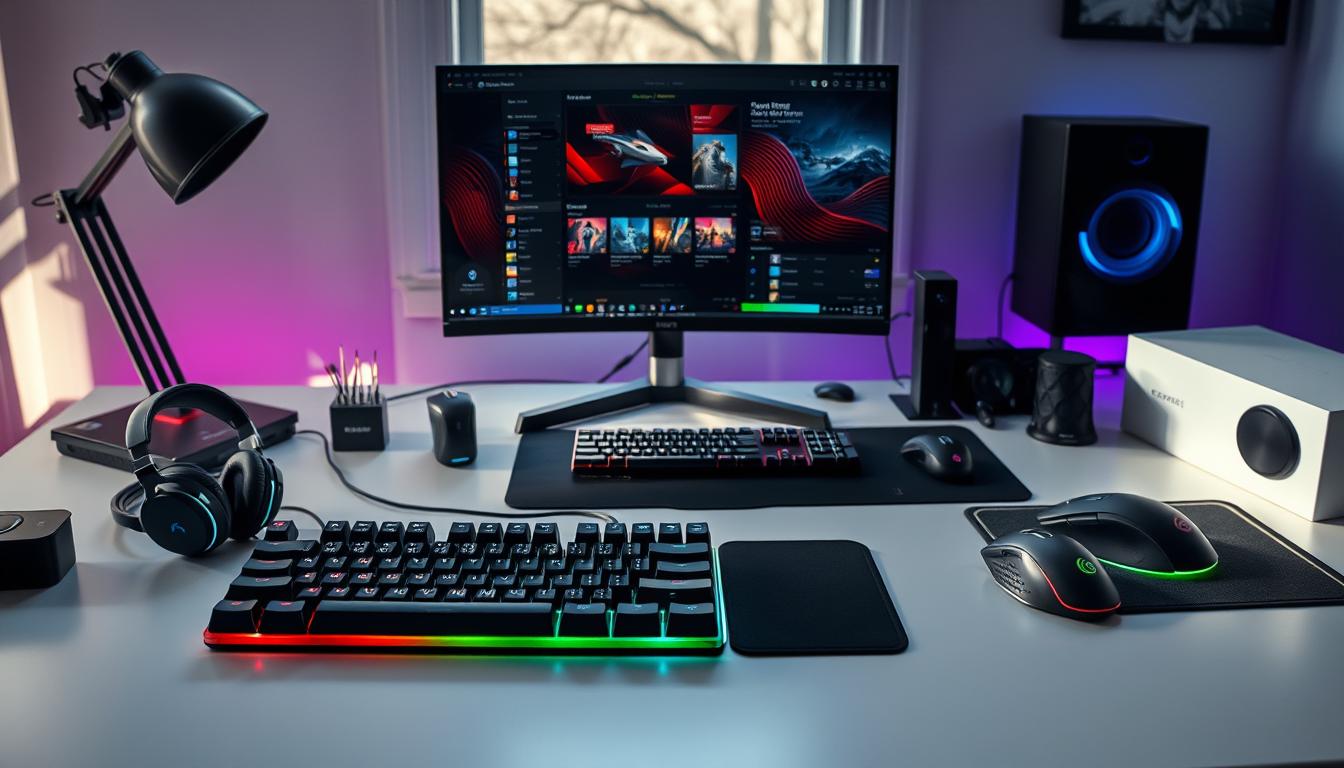
We have all been there. You spend hours scrolling through endless product pages, hoping to find gear that makes your desk feel right. Gaming accessories online can tempt you with neon lights and aggressive marketing, but much of that gear collects dust. True comfort comes from tools that work for you, not items that only look cool on a shelf.
Our mission is to simplify your life by cutting through the noise. We offer a diverse selection of high-quality products that help you live with greater ease. This gaming accessories guide covers sensible pricing, durability, and real-world performance. We want to help you build a gaming setup that supports your needs without wasting hard-earned money on flashy junk.
Key Takeaways
- Focus on functional gear that improves your daily experience rather than aesthetic gimmicks.
- Prioritize ergonomic comfort and long-term durability over flashy, low-quality extras.
- Use this guide to make smarter purchasing decisions when shopping for your desk space.
- We emphasize high-quality products that simplify your life and reduce unnecessary clutter.
- Build a reliable environment that empowers you to perform at your best every single day.
Discover the Essential Gaming Accessories You Need
Focus on gear that improves your daily gaming sessions, not flashy features. When shopping for gaming accessories online, bright lights and bold marketing can distract you. Choose a setup that meets your needs instead of looking like a spaceship.
Key Features to Look For
Begin with the tools you use every day. A reliable gaming keyboard should have responsive switches that feel good while typing emails or exploring game worlds. Choose durable materials instead of focusing only on style.
Your gaming mouse matters just as much. Choose an accurate sensor and a comfortable shape to help prevent hand fatigue. For your gaming headset, focus on microphone clarity and lasting comfort, so communication stays clear without a heavy helmet.
Do not forget the supporting gear. A high-quality mouse pad gives you a consistent surface for precise control, while cable clips prevent desk clutter. These small additions can greatly improve your daily workflow.
Price vs. Quality: Finding the Right Balance
Many people overspend on “gamer” branded products with little real value. You want to find the sweet spot where performance meets reliability. A solid warranty is often a better investment than unbranded gear that may break within a month.
Treat your gear as tools for daily life. If a gaming keyboard or mouse helps you work and play with less frustration, it earns its cost over time. Do not pay extra for RGB lighting when better internal components deserve the money.
Popular Brands to Consider
When buying, established brands can help you avoid problems. Logitech, Razer, and SteelSeries are known for quality and driver support. They offer choices from entry-level gear to professional-grade equipment.
Choosing a reputable brand helps ensure your gaming headset or mouse works with your computer right away. You also gain community support and easy-to-find replacement parts when something goes wrong. Keep your setup simple and practical, and it will serve you well.
Why Quality Matters in Gaming Accessories
High-quality gear can turn a frustrating session into a smooth victory. When you use equipment for hours, premium tools show clear benefits over bargain alternatives. This gaming accessories guide explains how better hardware helps you enjoy gaming with ease.
The Impact on Performance
Dependable gear improves your control and consistency during long gaming sessions. A precise mouse sensor tracks movement accurately, while a mechanical keyboard registers each keystroke as intended.
Quality also improves sound awareness. Premium headsets deliver clear directional audio. You can hear soft footsteps and distant cues that cheap models muffle. Reliability is the foundation of every great play.
Benefits of Durability
Cheap accessories often fail when you need them most. You may face frayed cables, sticky switches, or hinges that snap after only a few months of use.
Well-built products use reinforced materials and modular designs. They withstand daily use, helping your setup stay functional for years. Compare the features below to see how quality components differ from budget alternatives:
| Feature | Budget Gear | Premium Gear |
|---|---|---|
| Switch Lifespan | 5-10 Million Clicks | 50-100 Million Clicks |
| Cable Quality | Thin, Plastic Coating | Braided, Reinforced |
| Build Material | Lightweight Plastic | Aluminum or High-Grade Polymer |
| Repairability | None (Disposable) | Replaceable Parts |
Long-Term Cost-Efficiency
It is easy to choose a low price, but frequent replacements quickly raise the total cost. Durable construction makes ownership easier by reducing the need for constant repairs or upgrades.
We highlight products that offer genuine value and help simplify your life. Choosing quality reduces daily frustration and helps this gaming accessories guide lead you to a setup that lasts. Investing once is almost always cheaper than buying twice.
How to Choose the Right Gear for Your Setup
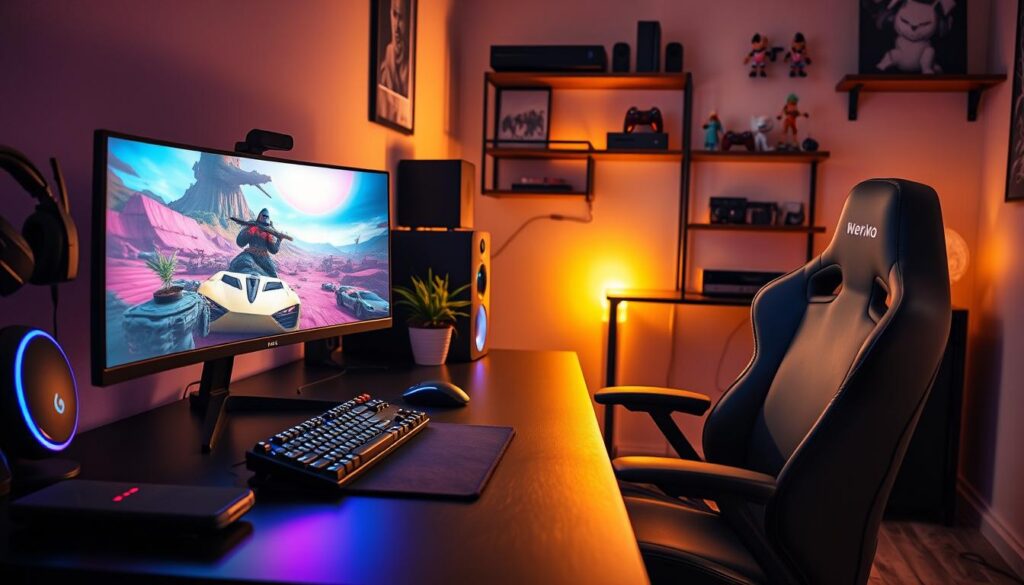
Building a great gaming setup starts with knowing how you play. You do not need every flashy gadget on the market to improve your experience. Focus on tools that solve your problems and make daily sessions more enjoyable.
Assessing Your Gaming Style
Before spending money, take a moment to review your habits. Do you need split-second reactions for competitive play, or do you prefer a relaxing, story-driven adventure? Your answer shows whether you need high-speed hardware or comfort for long, laid-back sessions.
“The best gear is the gear that disappears into the background, allowing you to focus entirely on the game itself.”
Fast-paced shooters often require a gaming mouse with a high-precision sensor. Strategy games may call for a gaming keyboard with extra programmable buttons. Matching gear to your genre helps you avoid wasting money on unused features.
Essential Items for Different Genres
Different games demand different tools. For competitive shooters, a lightweight mouse and responsive keyboard are non-negotiable. They help you maintain accuracy when pressure is high.
For immersive role-playing games, a high-quality gaming headset may matter more than a fancy mouse. You want a wide soundstage to hear every detail in the game world. Consider these general guidelines for your gear:
- Competitive Shooters: Focus on low-latency connections and high-DPI mouse sensors.
- Strategy/MMO: Look for keyboards with macro keys to simplify complex commands.
- Story-Driven/RPG: Prioritize audio clarity and comfort for long-term wear.
Customization Options
Customization should focus on practicality, not just aesthetics. RGB lighting looks cool, but it does not help you win matches. Instead, adjust your gear to fit your physical needs.
Adjustable button placement on your mouse or custom key profiles on your keyboard can save time and reduce hand strain. Keep your setup clean and functional by choosing items with a clear purpose. When you prioritize utility, you create a space that empowers you to play your best.
The Rise of Wireless Gaming Accessories
If tangled cables frustrate you, wireless gaming accessories may suit you. We assess whether cutting the cord fits your setup. This gaming accessories guide helps you decide whether wireless freedom merits the change.
Advantages of Going Wireless
The clearest benefit is the cleaner desk space you gain right away. Without cables crossing your mousepad, you get a tidy, professional workspace. This freedom can improve comfort during long sessions.
Your mouse cable will not snag on your desk during a critical moment. For many players, this physical freedom is the main reason to upgrade. It changes a messy workstation into a streamlined command center.
High-Performance Wireless Options
Modern technology has narrowed the gap between wired and wireless performance. High-end wireless mouse sensors now offer near-zero latency, matching wired models. With a reputable brand, you may notice no difference in speed or accuracy.
Your main task is keeping the connection stable. Most top-tier wireless gear uses dedicated 2.4GHz dongles rather than standard Bluetooth to avoid interference. These dongles help performance stay consistent and reliable.
Battery Life and Charging Concerns
The biggest trade-off is managing power. Charge your devices regularly to avoid a dead battery during a match. Many modern peripherals offer fast-charging capabilities or convenient charging docks.
Treat charging as a small maintenance task that keeps your gear running smoothly. If you prefer a “set it and forget it” lifestyle, wired options may suit you best. For those who value a tidy setup, the extra effort is usually worth the freedom.
| Feature | Wired Gear | Wireless Gear |
|---|---|---|
| Desk Clutter | High | Minimal |
| Latency | Zero | Negligible |
| Power Needs | None | Charging Required |
| Reliability | Maximum | High (with 2.4GHz) |
Ultimately, this gaming accessories guide says you should prioritize personal comfort. Choose cable reliability or wireless freedom, but select the setup that helps you play your best. Keep your needs in mind, and build a space that truly works for you.
Ergonomics: Game Longer, Game Better
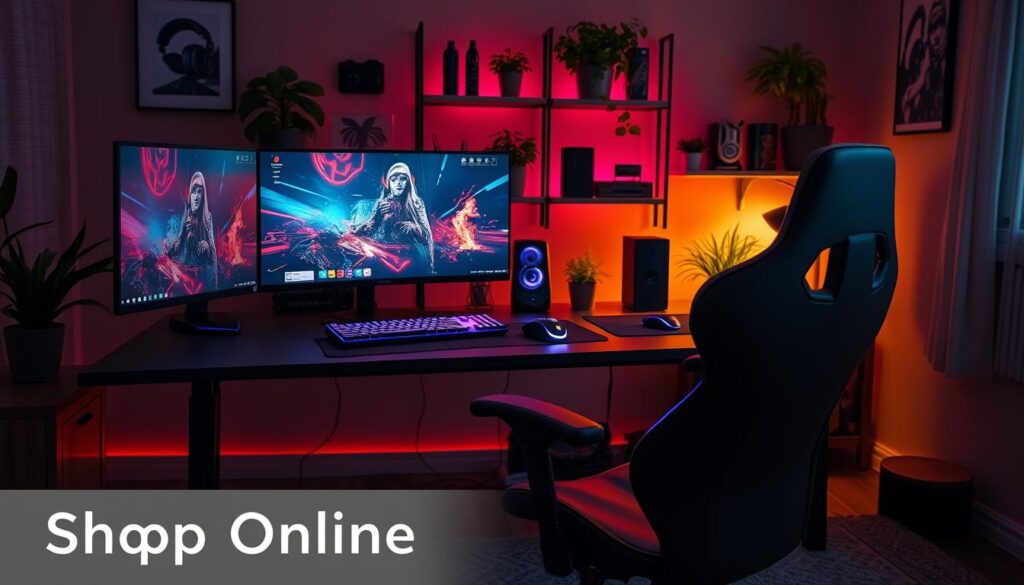
Building a great gaming setup means more than raw power; it should also support your body. Your gear should help you stay comfortable during long, intense sessions. When your body feels good, you stay focused and perform better.
Importance of Comfort While Gaming
Poor posture can quietly harm every gamer. An incorrect chair height may make you slouch and strain your lower back. A low monitor can make you crane your neck, causing unwanted tension by day’s end.
Your wrists and hands need care, too. A mouse that does not fit your grip may cause fatigue or lasting discomfort. Your gaming headset’s weight and clamping force can make marathon sessions tiring.
Recommended Ergonomic Accessories
You can improve comfort without spending much money. Begin with a supportive chair and proper lumbar backing to keep your spine aligned. An adjustable monitor stand can raise your screen to eye level.
Add a soft wrist rest and dedicated footrest to keep your legs at a healthy angle. When choosing a new gaming headset, seek a light model with breathable ear cushions. These small changes can make daily gaming easier and more enjoyable.
Adjusting Your Setup for Optimal Posture
A better gaming setup begins with quick changes you can make now. Keep your feet flat on the floor or a footrest, and bend your knees at ninety degrees. Rest your elbows at a similar angle while using your mouse and keyboard.
Place your monitor so its top third sits at eye level. This prevents head tilting and keeps your neck relaxed. Create a space that supports your body, so you can enjoy favorite games without physical strain.
Budget-Friendly vs. Premium Gaming Accessories
Gaming hardware can feel like a financial boss battle, but a smart plan can help you win. We want to help you build a setup that supports daily life without draining your savings account. Spend your money where it makes the biggest difference.
Where to Save and Where to Splurge
When building your station, choose parts that improve accuracy and comfort. You should splurge on a high-quality gaming mouse because precise sensors matter in competitive play. Also, a reliable gaming keyboard with durable mechanical switches helps every input register correctly.
Save money on decorative or secondary items. Basic desk mats, cable clips, and simple stands work as well as costly branded versions. You do not need fancy lighting for a clean, useful workspace.
Evaluating Cost-Effective Alternatives
Good value does not mean buying low-quality junk that breaks after a month. Many mid-range brands now offer features once found only in premium gear. Choose products built for core performance, not flashy marketing gimmicks.
- Check user reviews for long-term durability reports.
- Compare technical specifications like polling rates and switch types.
- Prioritize brands that offer solid warranties for peace of mind.
Making Informed Purchases
To avoid buyer’s remorse, identify your needs before you click “buy.” Casual players may not need the most expensive gaming mouse available. A mid-tier gaming keyboard can offer the same tactile satisfaction as a top-of-the-line model for a fraction of the price.
We want you to make choices that fit your lifestyle. Focus on what matters for performance, and build a professional, polished setup. Keep your goals in mind to create a space for your best gaming sessions every day.
Online Shopping Tips for Gaming Accessories
Shopping for gaming accessories online is easier when you know the right shortcuts. We help you ignore the noise and focus on enjoying your setup. This gaming accessories guide makes your next purchase simple, safe, and satisfying.
Trusted Retailers and Brands
Start by checking a seller’s reputation before you buy. Choose known retailers or official brand websites for authentic products, not cheap knock-offs. Verified customer reviews can help; check photos and details to learn how gear performs in real-world use.
If a deal seems too good to be true, it usually is. Choose companies with proven customer service and quality control. This step can prevent the trouble of handling faulty hardware later.
Understanding Return Policies
Before ordering, read the return policy carefully. Check the return window and whether the company charges restocking fees for opened items. These details matter if the product disappoints you or arrives damaged.
Check the policy for defective products, too. A good company makes it easy to replace faulty gear without charging return shipping. Knowing these rules helps you avoid gear that does not fit your needs.
Comparing Prices Efficiently
Do not judge items by price alone. Check the product specifications and compatibility requirements before buying gear for your console or PC. A cheaper item may seem like a bargain, but it could lack needed features for smooth use.
Use comparison tools to track price history and delivery costs. A higher price may be worthwhile if it includes faster shipping or a better warranty. This gaming accessories guide helps you choose wisely while keeping your setup useful and your wallet happy.
Enhancing Your Gaming Experience with Gadgets
Building a great space means choosing tools that make daily digital life feel easy. Good gear should work for you, not the other way around. Small, smart additions can turn a standard desk into a high-performance gaming setup.
Must-Have Add-Ons for Gamers
Start with a sturdy monitor arm to keep your desk clean and useful. It clears valuable space and lets you adjust screen height for better posture. A high-speed USB hub is another game-changer, keeping peripherals connected without tangled wires.
For high-quality streaming, use a dedicated capture device and professional-grade microphone so your voice comes through clearly. A reliable controller dock keeps gear charged and ready, while ambient lighting and cable-management clips create a sleek, professional space.
Future Trends in Gaming Technology
The tech world is moving toward smarter software that automates settings based on the game you play. Improved wireless standards are also reducing lag entirely. These advances provide a cleaner desk without sacrificing speed or reliability.
Adaptive controls are becoming more common, creating a more inclusive experience for every player. More efficient charging systems are reaching the market, so you spend less time tethered to a wall. These innovations aim to make your daily routine smoother and more enjoyable.
Integrating Accessories for a Cohesive Setup
A truly great gaming setup is not about buying the most expensive items. It depends on how those pieces work together to create a unified experience. When lighting, audio, and hardware stay in sync, you spend less time troubleshooting and more time playing.
Choose accessories that share a common design language or software ecosystem. This cohesive approach reduces visual clutter and simplifies your workflow. By prioritizing utility and comfort, you can live your best life with ease and focus.
Elevate Your Gaming Setup with Our Curated Selection
Building a pro-level space does not mean buying every glowing gadget on the internet. We highlight gear with real value, comfort, and lasting reliability to simplify your choices. Our mission is to help you find quality products that improve play without clutter.
Focusing on Quality Over Quantity
When shopping for gaming accessories online, choose items with a clear purpose. A reliable Logitech mechanical keyboard or Razer mouse can improve performance more than a dozen cheap, flashy trinkets. Choose tools that meet your needs and create a clean, efficient environment.
Creating a Cohesive Space
Your gaming setup should show your style while staying functional. A consistent color scheme or brand ecosystem can make your desk look professional and organized. This choice saves money and keeps your focus on gaming, not tangled wires or mismatched parts.
Real Feedback from Our Community
Many users say ergonomic gear from SteelSeries or Corsair improved their daily experience. They believe one solid piece of equipment is smarter than five low-quality alternatives. We offer diverse products that make everyday choices simpler and more rewarding.